
There are no comments for this product
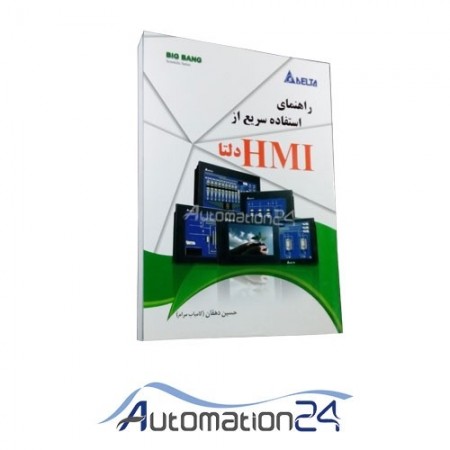


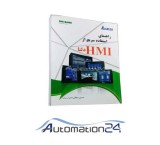
Chapter One: Introduction Human and Car Interface (HMI) DOP-B Series Specifications
Chapter Two: Working with device hardware Use the SD card and Flash Memory
Chapter Three: Create and edit pages Setting up Screen Editor software How to get started with Screen Editor software Internal Memory (Internal Memory) Control Block and Status Block Menu Bar & Toolbar (File) Menu Bar & Toolbar (Edit) Menu Bar & Toolbar (View) Menu Bar & Toolbar (Screen) Menu Bar & Toolbar (Tools) Menu Bar & Toolbar (Options) Menu Bar & Toolbar (Window) Menu Bar & Toolbar (Help) Macro Function
Chapter Four: Examples How to create a Recipe Data 16bit? How to create a 32bit Recipe Data? How to use the CSV file in Excel? How to write the HMI program in two languages? How to use Flash Memory as data transfer? How to use the Real Image Component? How to create a Curve component?
Chapter Five: Menu System Menu system System setting settings UP/Download menu
Appendix 1: Delta HMI Codes Info Appendix 2: Introducing a number of Delta Series HMIs Appendix 3: Some other capabilities of the Delta HMIs
There are no comments for this product
| Company | سایت اتوماسیون 24 |
|---|---|
| Tel | +98 25-3×××5444, +98 25-3×××3444 |
| Mobile | +98 910×××6576 |
| Whatsapp link | |
| Telegram | Telegram link |
| Website | https://www.automation24.ir |
| Country | Iran |
| Province | Qom |
| Address | قم -میدان امام خمینی- بلوار شهید بهشتی - پلاک 67 - فروشگاه اینترنتی اتوماسیون 24 |

Jooyeshgar AI Assistant